
Your next AI editor.
Completely free.
Turn terabytes of footage into a social cut in minutes.
Top creative teams
run on Babou.
 Cutroom
sunday
Babou
I’ve analyzed all of your new material. Let’s build something beautiful.
Campaign library · 12 assets
Your brand, footage, and AI tools in one place.
Direct the work in chat. Get hands-on with footage, graphics, and the final details.
01
AI workflows, with your brand.
Start with your website or brand PDF. Bring your colors, typography, and design language into every AI workflow.
https://
sundayBody · Mind · Everyday
A little good.
Every day.
Make a little room for yourself.
Your whole look. In one place.
Logosunday
Colors
AaTypography
Warm. Rounded. Human.
Warm. Rounded. Human.
Design references
Products, people, and palette.
Products, people, and palette.
02
Lock in the look.
Find the right vibe, from the exact scene to the right smile. Start with any asset and ask for what you need across footage, stills, product shots, and AI-created content.
Your reference
03
A whole creative team.
Work with AI-powered motion designers, VFX artists, and editors. Give them a direction. Bring their work straight into your piece.
You
Give our product launch some personality. Big type. A little sunshine.
sunday
A littlesunshine.
A LITTLE GOOD, EVERY DAY.Your brand. Ready to move.
1,500+ AI models.
Create videos, images, audio, and 3D in Babou.

LingBot World
3D, vector, and more
Ideogram Vector
3D, vector, and moreVAST Eden Live
3D, vector, and moreHunyuan 3D
3D, vector, and moreMeshy 6
3D, vector, and moreTripo H3.1
3D, vector, and moreTrellis
3D, vector, and moreHunyuan Motion
3D, vector, and moreSAM 3D
3D, vector, and more
xAI TTS
Audio
MiniMax Speech-2.8 HD
AudioMiniMax Speech-02 HD
Audio
Eleven Turbo v2.5
AudioACE-Step
AudioEleven Sound Effects
AudioEleven v3
AudioElevenLabs Multilingual v2
Audio
FLUX 3 Image Edit
Image
Bria Fibo 2
ImageQwen Image 3
Image
Krea 2
ImageKrea 3
ImageIdeogram 4
Image
Nano Banana Pro
ImageNano Banana 2
ImageNano Banana 2.1
ImageFLUX.1 Schnell
ImageFLUX 2
ImageFLUX 3
Image
GPT Image 2
ImageGPT Image 2.5
Image
Seedream 5.0
Image
LTX 2.3
Video
Kling v4
VideoMiniMax H3
VideoKling O3
Video
HeyGen Video
Video
PixVerse V6
VideoLTX 2.5
VideoWan 3.0
VideoHappy Oyster
VideoHappy Horse 1.1
VideoGrok Imagine 1.5
VideoVeo 3.1
VideoKling 3.0
VideoGemini Omni
VideoSeedance 2.0
VideoSeedance 2.5
VideoMiniMax H3 Max
VideoFLUX 3 Max
Video500+ free effects.
259 filters, 106 transitions, 95 generators, and 86 distortions.
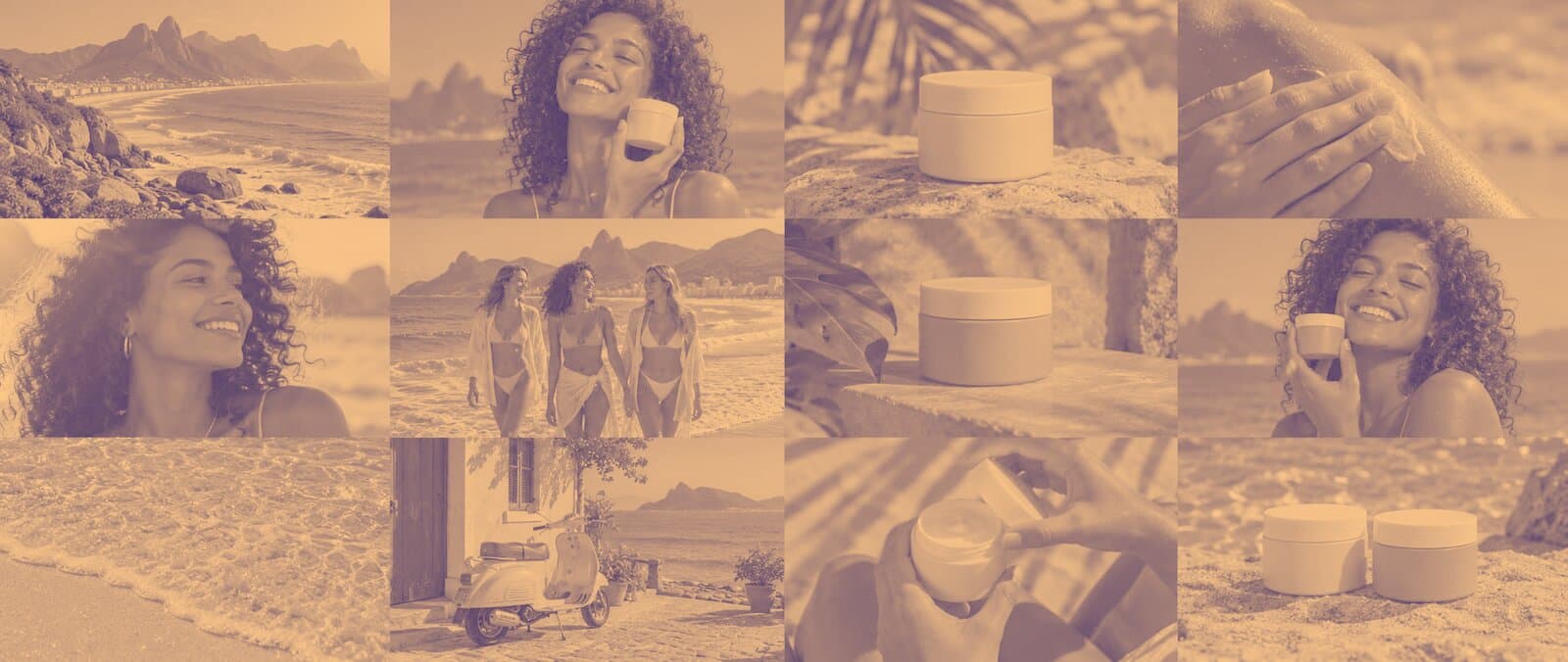
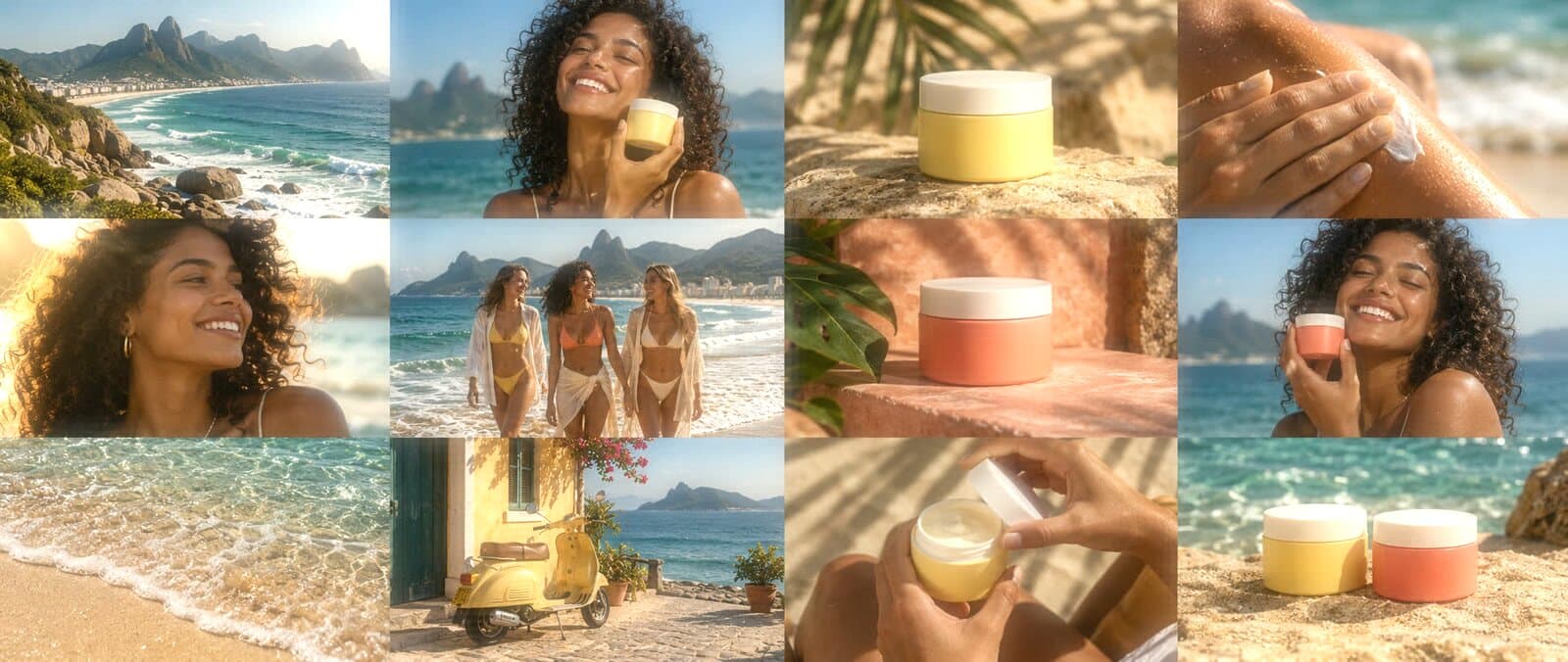
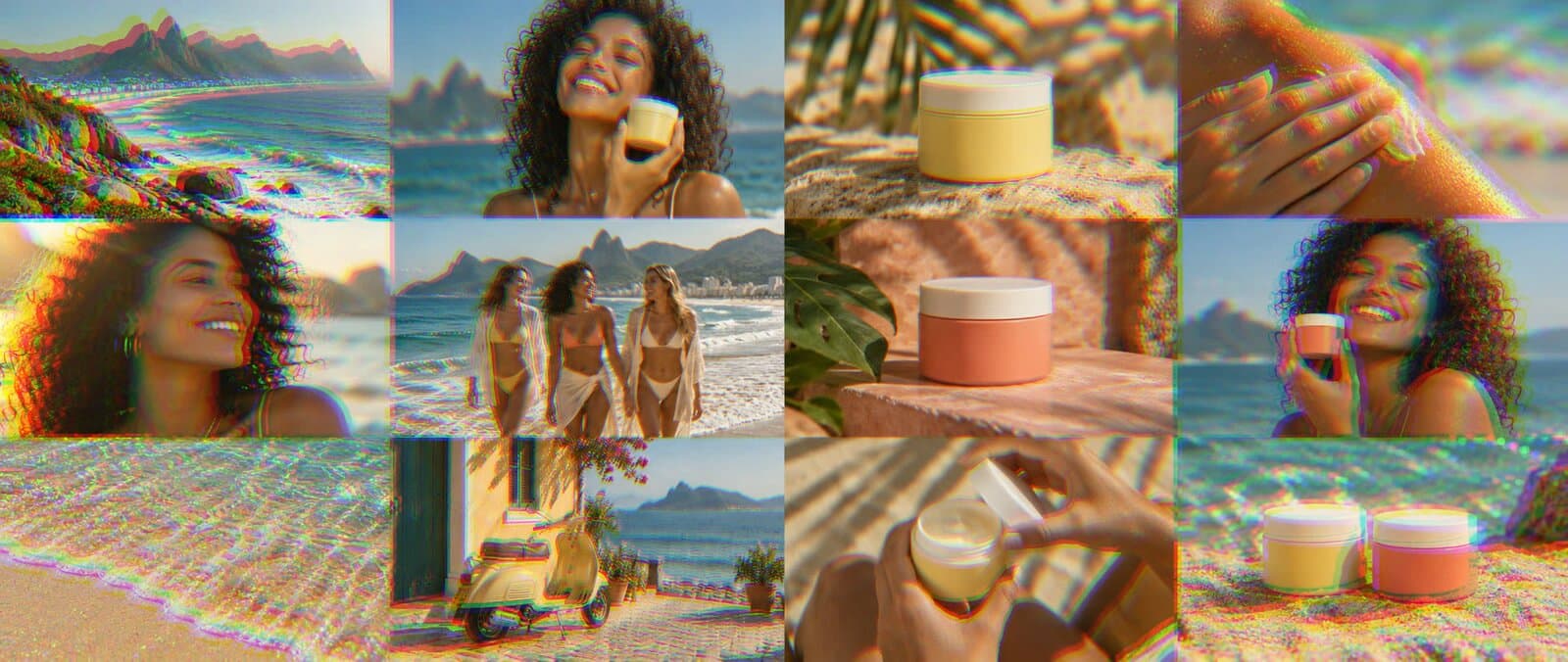

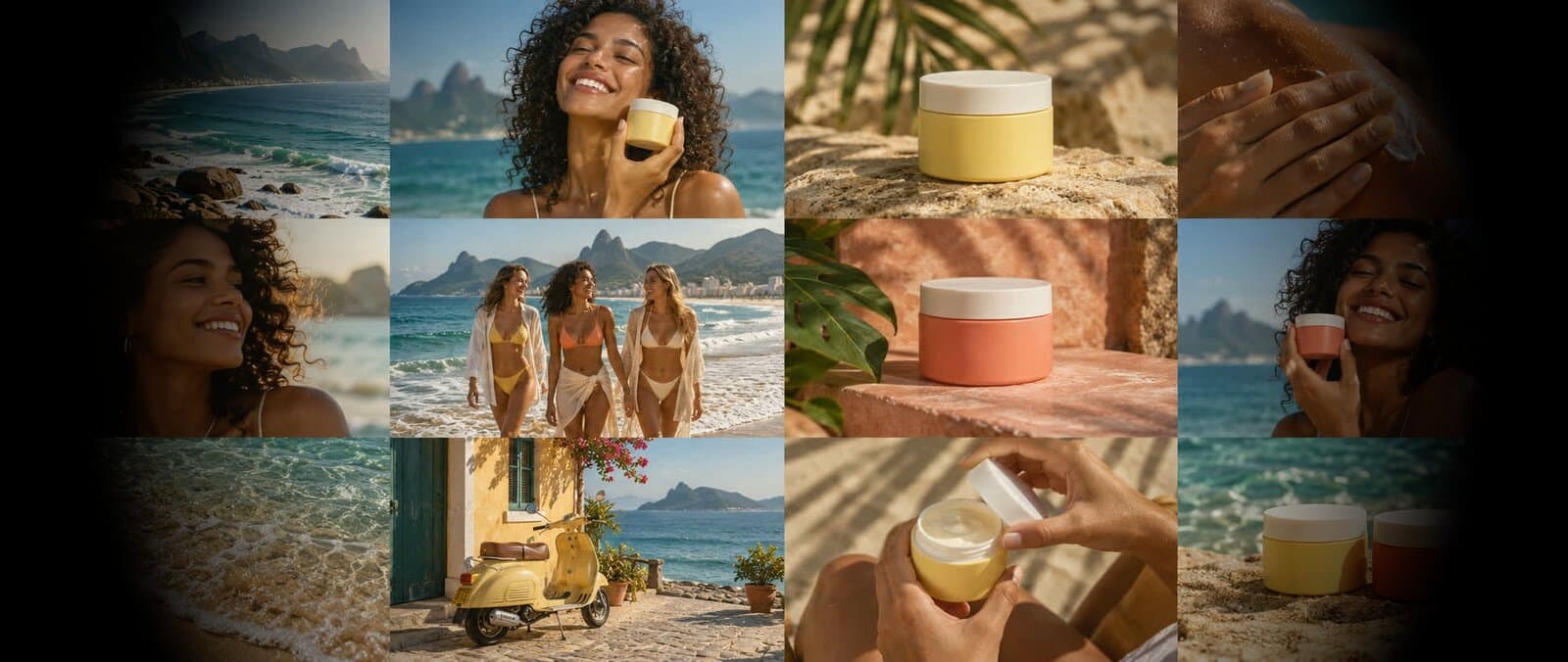
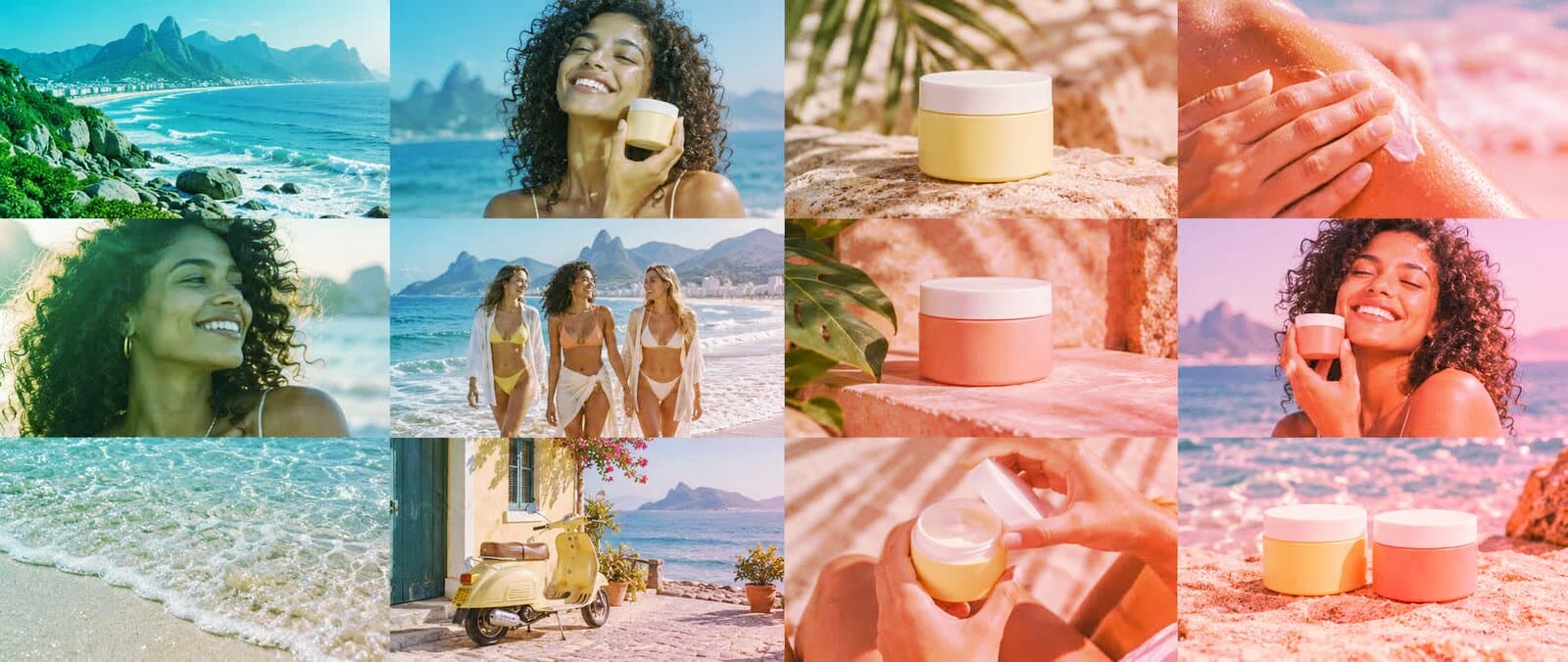
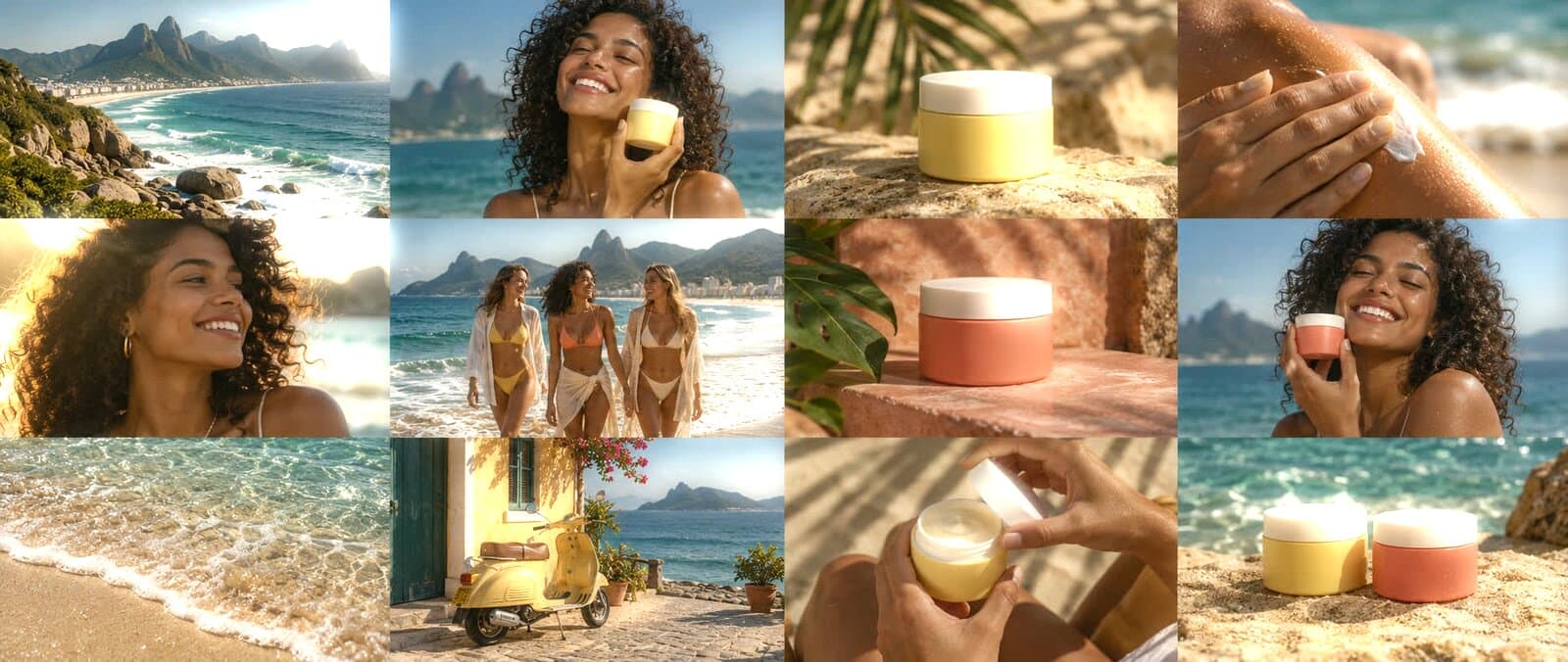
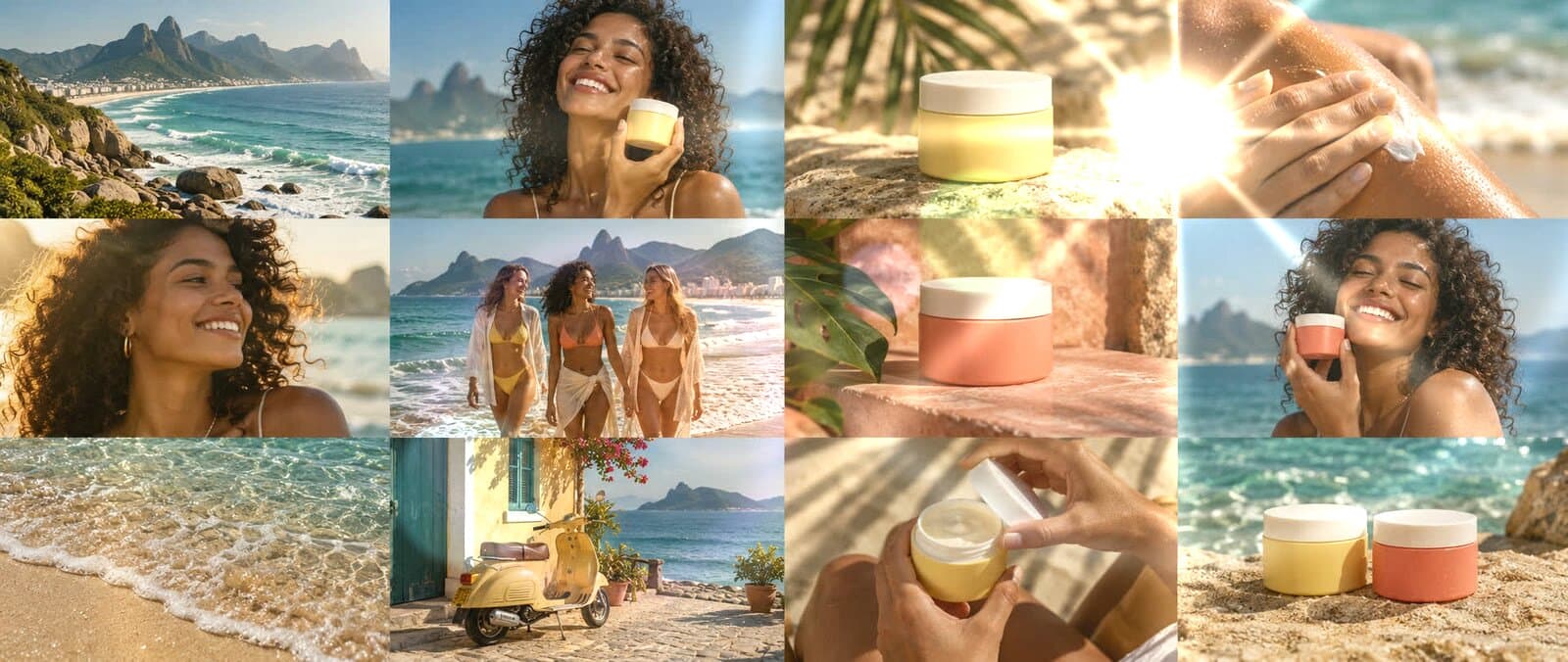
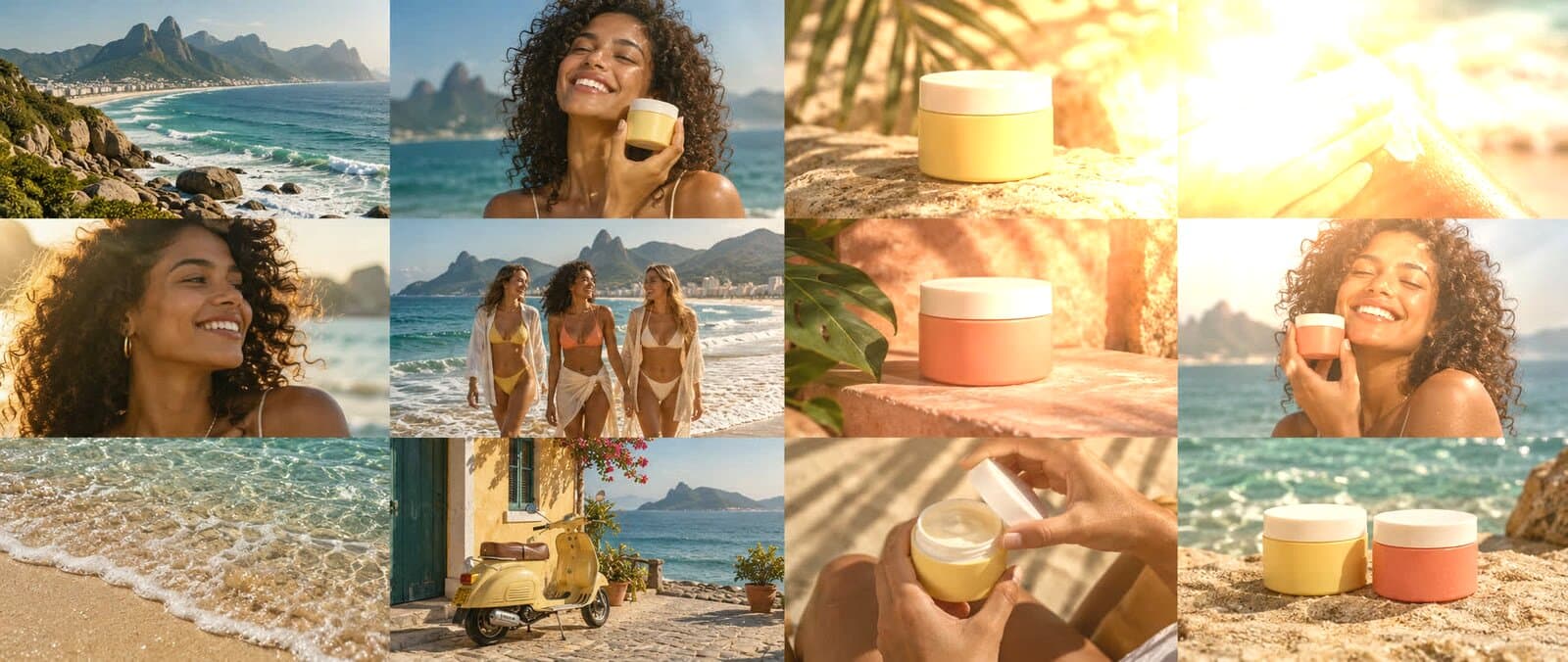
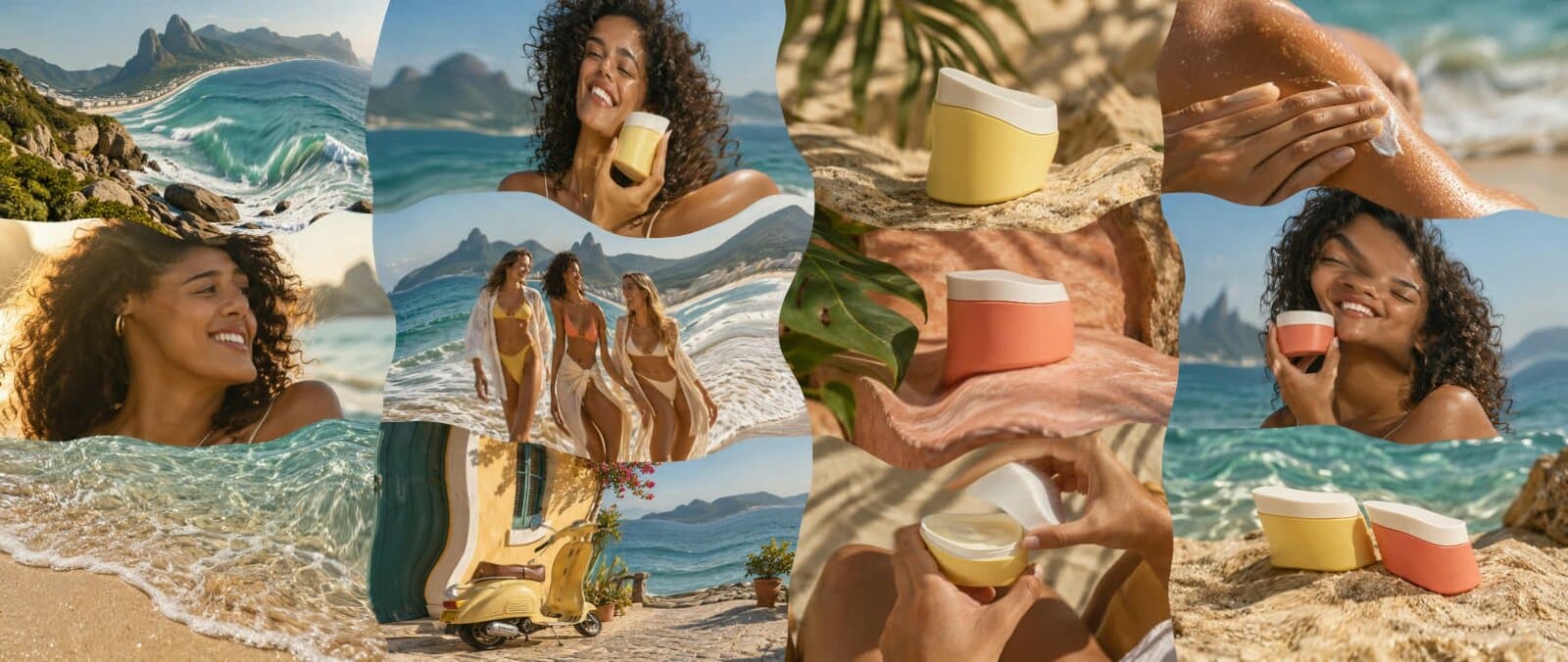
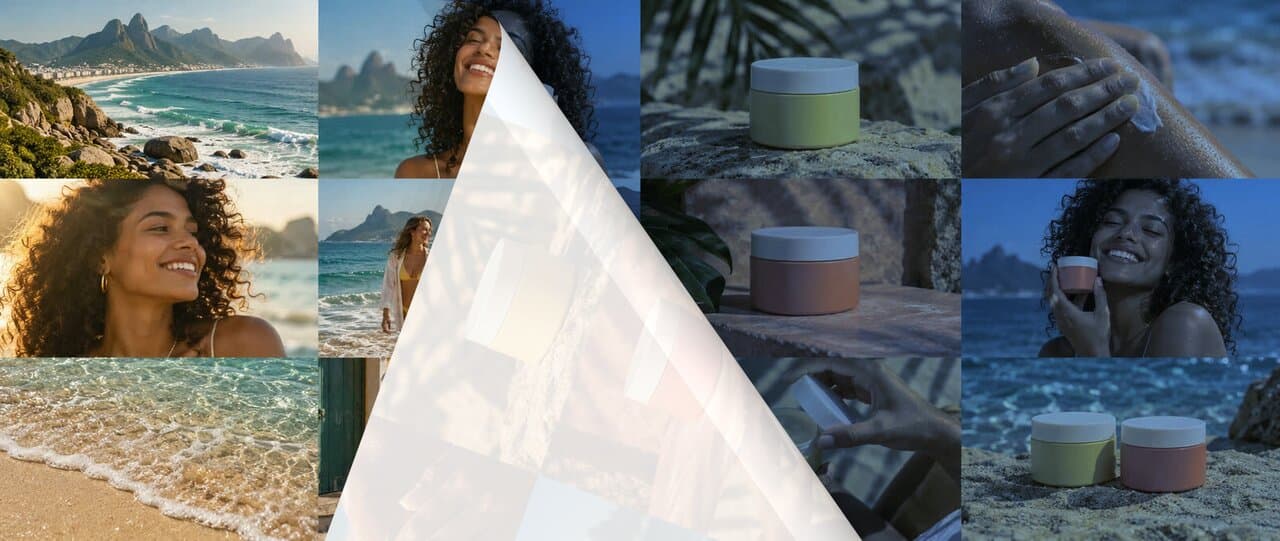
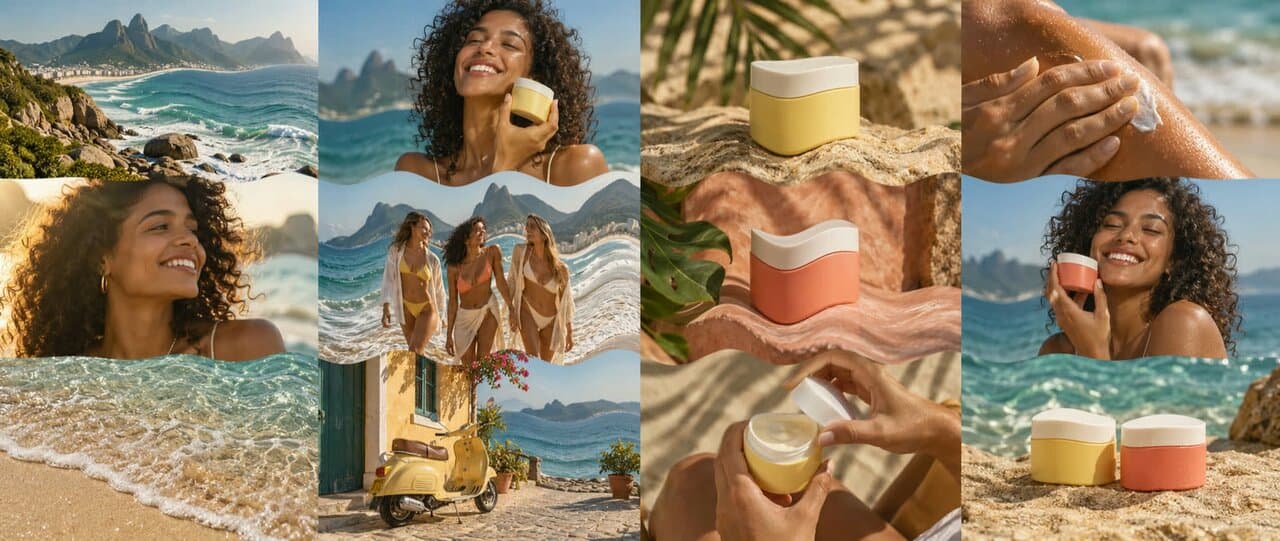
34 built-in color looks.
Choose from 34 built-in looks across six families, adjust the strength, and apply the same treatment to photos and video across your campaign.
Balance before you style. Adjust exposure, warmth, and tint, or pick a neutral area to set white balance.
Bring your own LUT. Import a 3D .cube file and adjust its strength from 0 to 100%.
Keep the color you chose. Color-managed GPU rendering keeps your preview and export consistent.
Use Claude and ChatGPT
to direct Cutroom.
Built for agents, with MCP at its core. Bring Cutroom into your Claude, ChatGPT, Gemini, and automated workflows.
Find footage, build a branded edit, and add motion from the conversation you’re already in. Open the result in Cutroom whenever you want to take over.
You → Claude
Find the best moments from our beach shoot and build a 15-second social cut. Use the Sunday brand kit.
CutroomYour footage + your brand
Find the right shotsBuild the editAdd branded motion
Sunday · Social cut15 seconds · Ready to review
Run AI on your own hardware.
Use local models with your own compute.
SAM
Segmentation & rotoscopingReal-ESRGAN
UpscalingRIFE
Frame interpolationDepth Anything
Depth mapsWhisper
TranscriptionDemucs
Audio separationBiRefNet
Background removalGrounding DINO
Find objects by descriptionFlorence-2
Visual captions & taggingSigLIP 2
Visual searchLaMa
Image inpaintingWan 2.2
Text & image to videoLTX-Video
AI video creationCogVideoX
Text & image to videoFLUX.1 Schnell
Text to imageQwen-Image
Image creation & editingStable Diffusion XL
Image creationKokoro
VoiceoversPaddleOCR
Read text in footageQwen3
Local AI assistantWorks with the tools
you already use.
Build and revise your project in Cutroom, then export finished creative or editable files.
Download Cutroom- Application
- After Effects
- Take with you
- Editable compositions, layers, and timing
Sunday_launch_v03.aep
Build your video from first idea to final edit.
Start with the idea and the footage. Mix in AI workflows, branded graphics, and motion, then refine the timing, layers, and campaign versions. Babou connects the creative work from first direction to final delivery.
See the Mamba campaignQuestions about Cutroom
What is Cutroom?
Cutroom is an AI creative workspace for making finished pieces from your ideas and material. Bring together footage, stills, product shots, brand designs, and AI-created assets. Start in chat, choose a direction, and move into the editor when you want more control.
Is Cutroom really free?
Cutroom is free and runs open models on your GPU. Bring your own keys to use frontier models. Go further with a Babou subscription.
Which local AI models does Cutroom support?
Cutroom’s local model lineup includes SAM for segmentation and rotoscoping, Real-ESRGAN for upscaling, RIFE for frame interpolation, Depth Anything for depth estimation, Whisper for transcription, and Demucs for audio separation. Model choice depends on your hardware and the model’s license. You can also connect compatible models you install yourself.
Can I connect Cutroom to my own model server?
Yes. Add the URL of a compatible inference service running on your workstation or server, configure authentication if needed, and select a model. Tasks run on that system using the inputs you send to it. You control the endpoint and any service costs.
Can Babou build a model for our workflow?
Yes. The Babou team can build a custom AI model around a specific production need and integrate it into your Cutroom workflow. Bring examples of the task, the material you work with, and what a useful result looks like. We will scope the model and integration with your team.
What system specs do you recommend?
We recommend an Apple silicon Mac with at least 16 GB of unified memory, or a Windows PC with 16 GB of RAM and a recent dedicated GPU with 8 GB of VRAM. Use an SSD with room for your footage, proxies, and downloaded models. For larger projects and heavier local AI workflows, aim for 32 GB of RAM or more. These are starting recommendations; larger local models can need substantially more GPU or unified memory.
How does it work with my brand?
Start with your website and brand references. Bring the colors, typography, visual style, and product context into the workspace, then review and refine the direction. Keep each brand’s identity close to every piece you make.
What does the AI creative team do?
Bring motion designers, VFX artists, and editors into the workflow. Ask for animated type, a visual treatment, or a different rhythm, then review how their contributions come together in the piece. You set the direction and decide what stays.
Can I find a specific look or moment?
Search by what you mean: a sunlit product shot, a quieter scene, a particular person, or the right smile. Explore the matches, choose the source you want, and bring it into your piece.
Can I change the result myself?
Yes. Chat is the starting point, not the limit. Open the editor to replace material, change the headline, work with graphics, and refine the cut. Move between directing the work and editing the details.
Do my originals have to move into the cloud?
Cutroom is a desktop workspace, so originals can stay on local and external drives. Cloud analysis uses proxies and derived media. AI workflows can send selected material to your configured provider; your originals do not have to become a browser-based library.
Try Cutroom on your next edit.
Bring your footage and brand assets into one editing workflow.