
·By Nick Lane-Smith
AI video models can't animate your UI
And more data isn't going to help this time...
- ai-video
- ux
- product
AI video models don't care about details and UI is nothing but details.
Generative video is amazing at some things. Realistic drone footage of the California coastline. A panda wearing a top-hat riding a tiny bicycle, absolutely.
But if you want something specific, these models start to struggle. If you want drone footage of the coastline directly below your beach house, that's not going to happen. And if you want your panda wearing a top-hat riding a bicycle, results may vary.
This post is about something video AI constantly struggles with: creating and animating complex user interfaces, the kind used in product demos and marketing videos.
Quick UI eval
To test this properly, we checked two popular dashboard designs with four of the top models, across five prompts ranging from very general to explicit animation instructions. The results can only be called mixed.
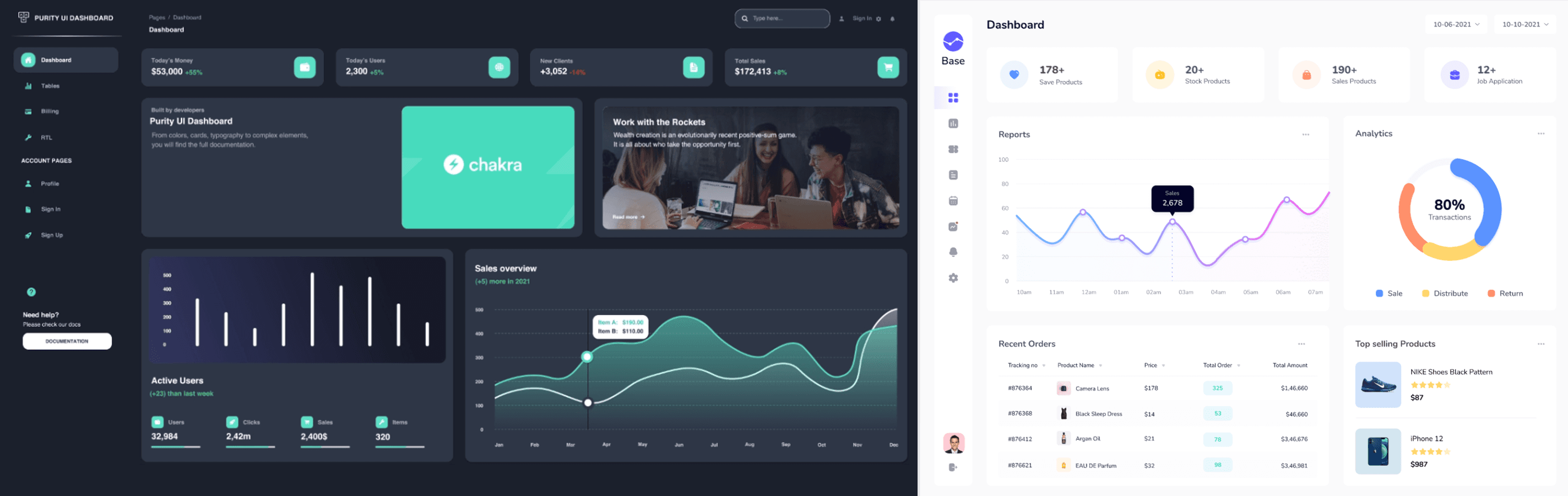
We tested Kling Pro, Seedance, Alibaba's Happy Horse, and Gemini's Veo 3. The simplest prompt was one line, "animate this dashboard." The most explicit one spelled out every move: count the revenue up from zero, fade the cards in one by one, draw the line chart on, and fill the ring to 80%.
Watch it come apart
Each clip opens on a near-perfect copy of the dashboard, then falls apart over the next few seconds. We pulled the failures apart and they sort into five types, and every model we tested produced its own version of all five.
Motion with no reason
A real UX animation earns its place. It pulls your eye to what changed, or it shows a value moving over time. The models animate everything at once, indiscriminately, the whole layout drifting and sliding off frame, the way a novice editor noodles with keyframes because the software lets them.
Numbers that won't sit still
Values that should never move drift as the model fumbles around in latent space. The sales figure pinned at 2,678 reads 2,679 a second later, then 2,578, then 9,570. The 80% analytics ring degrades to "8O," then melts into a featureless yellow blob.
The right instinct, butchered
Sometimes the model picks the right thing to animate and ruins the execution. A chart drawing on is a reasonable call, but one model swept a second flat line straight across a chart that already had an animated line on it.
Text that melts
Type doesn't survive. It smears and anti-aliases into mush, fonts drift, and copy mutates into gibberish or pops in halfway through the clip. "Distribute" came back as "Distributs."

Pure hallucination
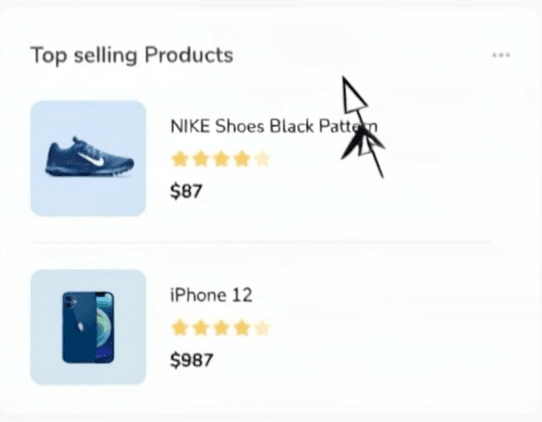
The worst offenders invent things that were never in the still. One model conjured a mouse cursor out of nowhere, then split it into a cluster of overlapping arrowheads.
Why it breaks
A large language model spews tokens, and a video model paints pixels. That sounds like a small distinction, and it is the entire problem. A token is a discrete symbol, so a model that works in tokens can carry "2,678" and repeat it exactly, while a pixel is just a sample of color with no identity, so a model that works in pixels treats your revenue figure as the same kind of thing as the gradient behind it, texture to re-guess on every frame rather than a value to preserve. What comes out looks like your design, is close to your design, but can never be your design.
You might point out that AI got good at text, and it did, in still images. The old image models learned from pictures paired with captions, and the captions described the scene rather than the letters in it, so the model learned what a sign looks like and what a menu looks like but never the exact run of glyphs, and it painted text-shaped texture that spelled nothing. What fixed it was treating letters as symbols instead of texture: newer image models train on text the model can actually read, with the exact characters and their positions labeled, and they lean on language encoders built to spell, which is why the best of them now nail a headline on the first try.
That progress stops at the edge of a single frame, because video adds the one dimension a still image never had to deal with, which is time. A still only has to be right once, while a five-second clip has to hold the same number, the same label, and the same layout across about 150 frames. Video models do work to keep frames consistent, but that consistency is statistical rather than symbolic, so the number stays roughly where it was while its exact digits drift, because nothing in the model is trying to keep 2,678 reading 2,678.
There's no Unreal Engine for UX
The standard cure for a bad AI output is more training data, and for UI motion the data isn't there. The internet holds an ocean of real-world video, and where real footage runs out you can manufacture more, the way self-driving and robotics teams spin up endless photoreal scenes using game engines. Correct UI animation, tied to real layout and real data, is neither lying around the internet nor easily synthesizable, which is why scaling the models won't fix it.
MotionUX: How Babou gets it right
Babou never turns your design into pixels in the first place. Web-to-MotionUX and Figma-to-MotionUX pull in your real UI: the actual layers, the text nodes, the numbers and styling. The animation runs on that structure and renders deterministically. A value that should read 2,678 reads the same in the first frame and the three-hundredth, because Babou is moving the real number instead of repainting a picture of it.
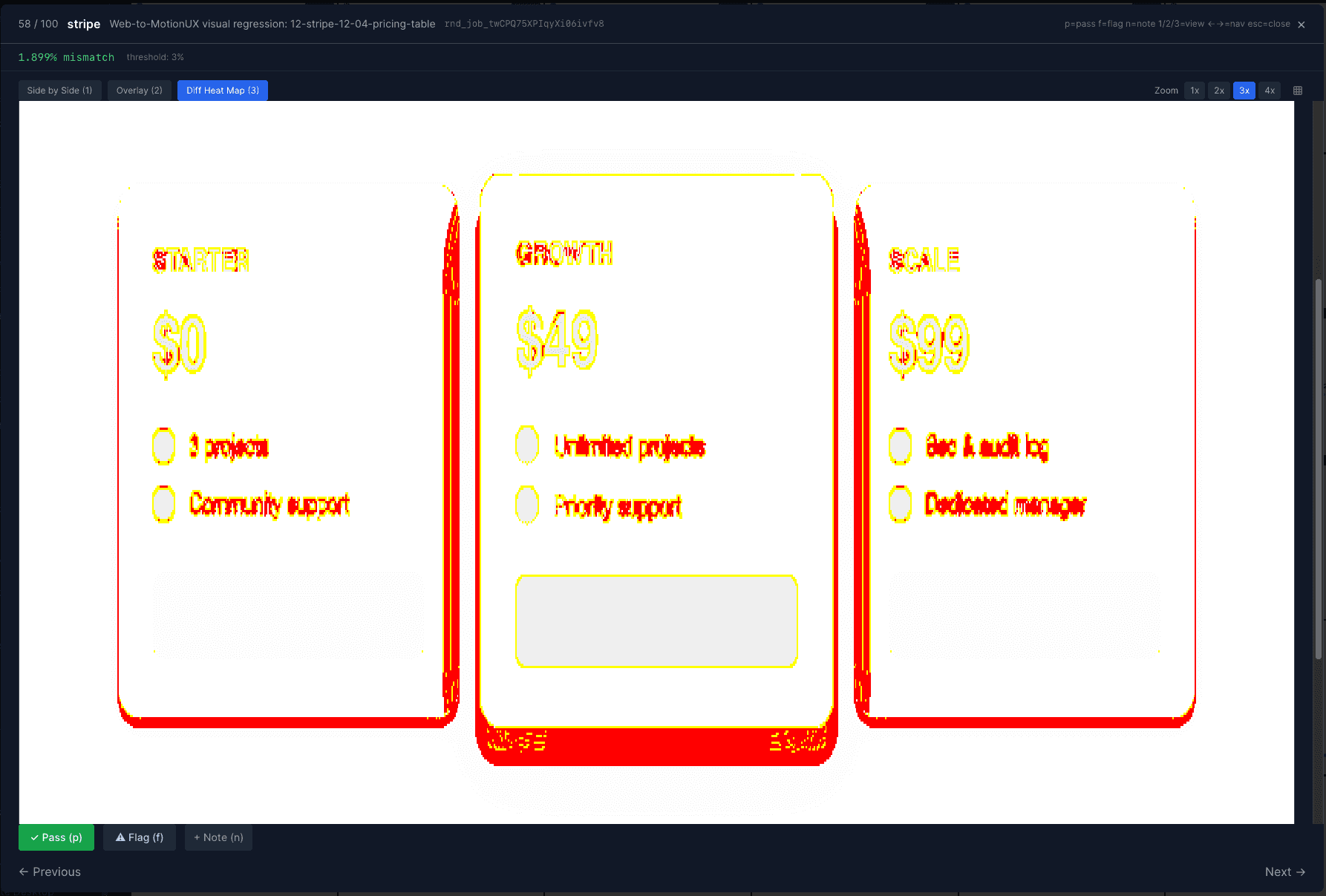
We train on live DOM, Figma files, and the project files our creative team builds, 10,000+ of them, each a labeled example of correct UI motion.
The best AI labs are converging on the same idea. Anthropic's design tool, Claude Design, outputs structured HTML and code a machine can render exactly. We made the same bet, focused entirely on product video, and we are further along. 😎
A video model can only guess at what your product looks like, while Babou works from the real thing.
These are the kinds of problems we work on at Babou: UI motion that's correct, not just convincing, produced by an agent straight from your real design. If you want to talk about any of this, or you're solving a version of it inside your own product, get in touch. We're also hiring 🙂